TOP 1. ELEGOO Neptune 4 Pro 3D Printer
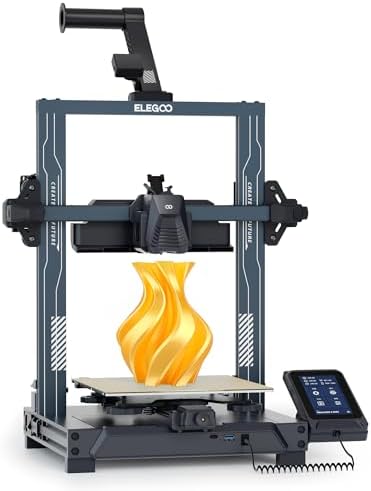
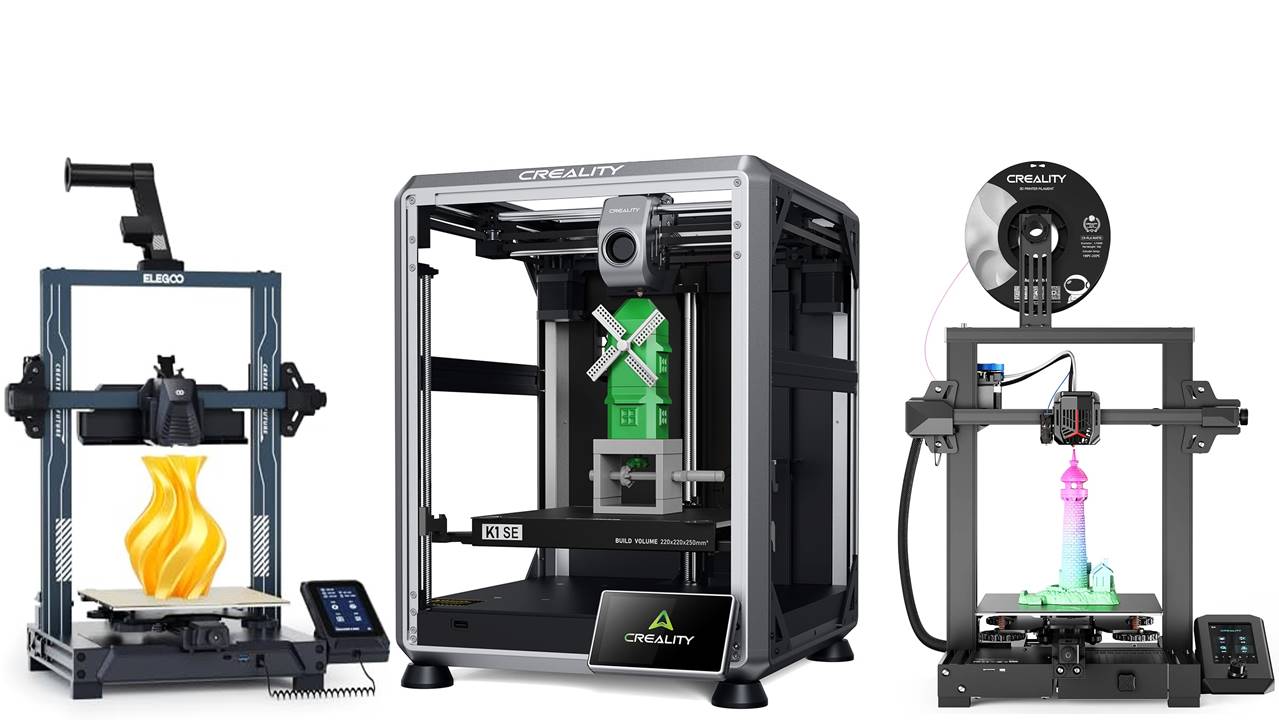
The ELEGOO Neptune 4 Pro is a high-speed FDM 3D printer that excels in performance, reaching speeds of up to 500mm/s, thanks to its Klipper firmware, which ensures smooth and accurate printing. With features like auto-leveling and a direct drive extruder, it guarantees consistent quality and hassle-free operation. The printer boasts a spacious build area of 8.85×8.85×10.43 inches, making it suitable for larger projects. Easy to assemble, the Neptune 4 Pro is perfect for both hobbyists and professionals seeking reliability and efficiency in their 3D printing endeavors.
TOP 2. Creality K1 SE Fully Assembled Auto Leveling 3D Printer
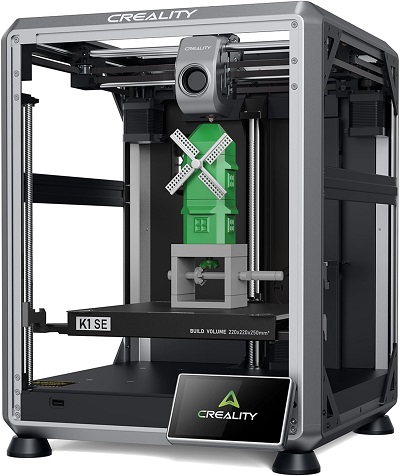
The Creality K1 SE is a fully assembled 3D printer designed for beginners, making it an excellent choice for kids and newcomers. It offers impressive high-speed printing of up to 600mm/s for quick and efficient results. Built with a Core XY all-metal structure, it ensures stability and precision, while the auto-leveling feature simplifies setup and guarantees smooth prints. With a larger print size of 250x220x220mm, this printer is versatile enough for various projects, combining speed, reliability, and ease of use for hobbyists and first-time users alike.
TOP 3. Snapmaker J1s 3D Printer (IDEX)
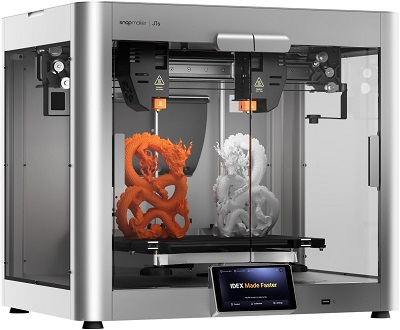
The Snapmaker J1s IDEX 3D Printer is designed for fast and versatile printing with its independent dual extruders (IDEX) that enable dual-material and multi-color projects. It offers five times the speed of traditional printers, ensuring efficient production, and features four printing modes (copy, mirror, dual, and single) for added flexibility. Its all-metal construction enhances durability and stability, ensuring precision with every print. With a spacious print volume, the Snapmaker J1s is ideal for professionals and hobbyists seeking speed, versatility, and high-quality results in FDM 3D printing.
TOP 4. ELEGOO Saturn 4 Ultra 12K Resin 3D Printer
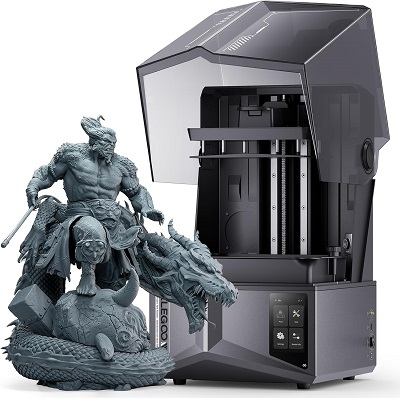
The ELEGOO Saturn 4 Ultra 12K Resin 3D Printer offers exceptional precision and speed, featuring a 12K monochrome LCD screen for high-resolution prints. With smart automatic leveling, it provides a user-friendly setup for accurate printing. Its fast printing capability of up to 150mm/h boosts productivity, making it suitable for both professionals and hobbyists. The printer’s large build volume of 8.62×4.84×8.66 inches allows for intricate models, and its robust design ensures durability. Whether creating detailed miniatures or complex prototypes, the Saturn 4 Ultra is engineered for outstanding resin 3D printing performance.
TOP 5. Official Creality Ender 3 V2 Neo 3D Printer
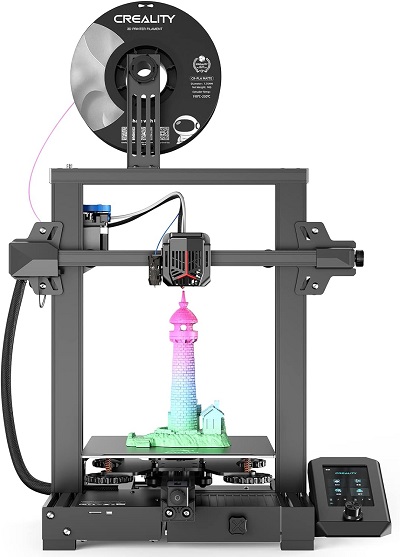
The Official Creality Ender 3 V2 Neo 3D Printer is a user-friendly machine equipped with advanced features for reliable printing. With 95% of the printer pre-installed, setup is quick and straightforward, making it perfect for both beginners and experienced users. The CR Touch auto-leveling feature ensures precise and hassle-free calibration. Its PC spring steel platform provides excellent adhesion and easy model removal. With a full-metal extruder for durability and smooth filament feeding, plus a resume print function to safeguard against power outages, the Ender 3 V2 Neo delivers a generous build size of 8.66×8.66×9.84 inches for a versatile and efficient 3D printing experience.
3D Printer for Beginner – FAQ
1. What is a 3D Printer?
A 3D printer is a machine that creates three-dimensional objects from digital files by adding material layer by layer, a process called additive manufacturing. Most commonly, plastic filament is used, though there are 3D printers for metal, resin, and other materials.
2. What Types of 3D Printers Are Best for Beginners?
The two most popular types for beginners are:
- FDM (Fused Deposition Modeling): Uses thermoplastic filaments that are melted and extruded layer by layer. These are the most common and affordable printers.
- SLA (Stereolithography): Uses liquid resin and ultraviolet light to create objects. They offer finer details but can be more complex and messy.
3. What Should I Look for in a Beginner 3D Printer?
- Ease of use: Look for user-friendly interfaces and features like auto-leveling.
- Build volume: This is the maximum size of objects you can print. Larger volumes allow for bigger projects but may increase the cost.
- Filament compatibility: Most beginner printers use 1.75mm PLA filament, which is easy to work with.
- Support community: Choose a model with good customer support or an active community for troubleshooting and advice.
- Cost: Entry-level 3D printers typically range from $150 to $500.
4. What Filaments Are Suitable for Beginners?
- PLA (Polylactic Acid): Easy to print, widely available, and environmentally friendly.
- PETG (Polyethylene Terephthalate Glycol): More durable than PLA, good for functional parts.
- ABS (Acrylonitrile Butadiene Styrene): Strong and heat-resistant but harder to print due to warping issues.
5. Do I Need Special Software for 3D Printing?
Yes, you need:
- Slicing software: This converts 3D models into printable files (G-code). Popular options include Cura and PrusaSlicer, which are beginner-friendly and free.
- 3D modeling software: If you want to design your own objects, tools like Tinkercad or Fusion 360 are commonly used.
6. How Long Does It Take to Print an Object?
Print times depend on the size and complexity of the model. Small, simple prints can take 30 minutes, while larger, detailed prints can take several hours or even days.